

Shared hosting looks simple at first. It is cheap, easy to start, and you never have to touch a server. Then the site grows a little and things get strange. Pages slow down on some afternoons. The site goes offline for ten minutes and comes back. Nobody can tell you why.
At Khaleej Host we hear this almost every week. In most cases the website is fine. The real cause is one of a handful of shared hosting problems that are easy to spot once you know what to look for, and just as easy to avoid.
Below are the five we see most, how to recognise each one, and what to do about it.
What’s in this guide
What Shared Hosting Actually Means
With shared hosting, your website sits on one server together with many other websites. You all share the same CPU, RAM, disk and bandwidth. That sharing is why it is cheap, and it is also where most shared hosting problems start.
| What you notice | Likely cause | Quick fix |
|---|---|---|
| Pages load slowly at certain times | Another site on the server is using most of the CPU | Caching, lighter theme, or a host that limits noisy neighbours |
| Site goes offline without warning | Overloaded or badly maintained server | Host with a 99.9% uptime record plus an uptime monitor |
| “Resource limit reached” errors | You have outgrown your plan’s CPU or RAM | Clean up plugins, then upgrade the plan |
| Malware or spam pages appear | Weak passwords, old plugins, poor account isolation | Updates, SSL, strong passwords, isolated accounts |
| Support takes hours to reply | Ticket-only, overloaded support team | Test support before you buy |
5 Common Shared Hosting Problems (and the Fix for Each)
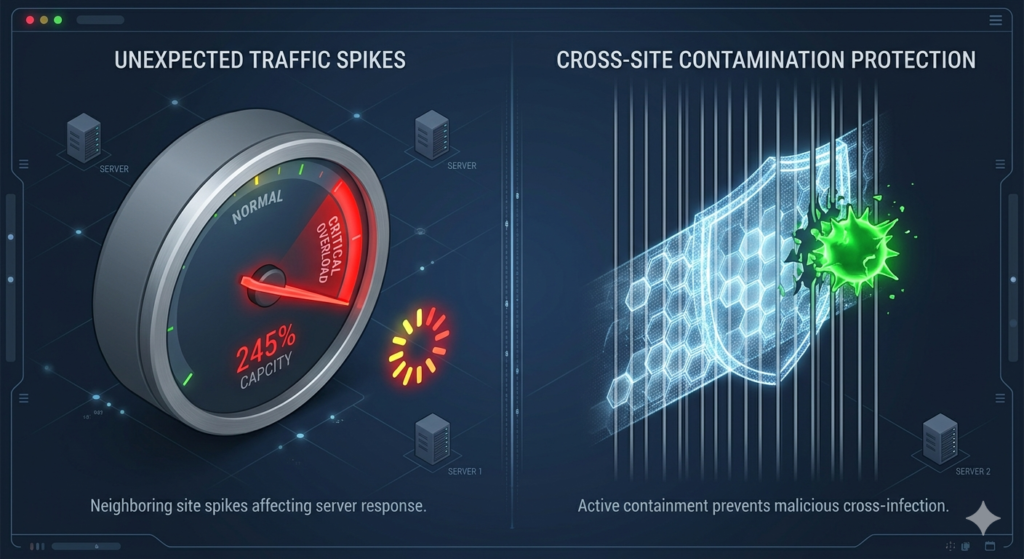
1. Your site is slow, but only sometimes
This is the most common complaint. If another website on the same server suddenly gets a burst of traffic, it eats more of the shared resources and your pages slow down, even though you changed nothing.
A real case from our support desk: a small online store ran fine all week, but every weekend it crawled. Another site on that server was running weekend ad campaigns. Same server, same resources, one winner.
How to avoid it: use a caching plugin, compress images before you upload them, skip heavy page-builder themes, and choose a host that caps how much one account can take from the others. Check your speed now and then with Google PageSpeed Insights so you notice a drop early.
2. The site keeps going offline
Short outages do more damage than people think. Visitors leave, and if search engines keep finding your site down, rankings slip over time. The usual causes are an overloaded server, poor maintenance or very cheap infrastructure.
How to avoid it: pick a host with at least 99.9% uptime, avoid “too good to be true” prices, and set up a free uptime monitor so you know about an outage before your customers tell you.
3. One hacked site puts yours at risk
On a badly set up server, a hacked website can affect its neighbours. That can mean injected malware, stolen data or your domain being flagged by search engines.
How to avoid it: use strong passwords, keep WordPress, themes and plugins updated, install an SSL certificate, and ask your host how accounts are isolated from each other. Good isolation means a problem on one account stays on that account.
4. You hit your plan’s limits
Every shared plan has caps on storage, bandwidth and CPU. A growing site eventually bumps into them. Typical signs: the site crashes during a traffic spike, the WordPress dashboard becomes slow, or you see “resource limit reached” errors.
How to avoid it: check your usage in the control panel every month, remove plugins you do not use, clean up the database, and upgrade before you hit the ceiling, not after.
5. Support is slow when it matters
When the site is down, waiting four hours for a copy-paste reply is painful. Before you buy, send the host a simple pre-sales question and see how fast and how clearly they answer. Real 24/7 support with people who understand WordPress makes a big difference.
Hidden Problems Most People Never Check
Some issues do not show up on day one, but they hurt over time:
- Overloaded servers: some providers pack too many sites onto one machine to cut costs.
- Old technology: outdated PHP versions and slow storage drag performance down. WordPress lists the versions it recommends on its official requirements page.
- No real backups: if the site breaks and there is no recent backup, you start again from zero.
Ask any provider three questions before you sign up: how many sites share a server, how often backups run, and which PHP version you will get.
How We Handle This at Khaleej Host
Shared hosting does not have to come with these headaches. The difference is how the server is managed. On our shared plans we keep server load balanced, use fast storage, run regular backups, isolate accounts and give you support that answers in plain language. You keep the low price of shared hosting without the usual surprises.
When It’s Time to Move On
Shared hosting is not bad; it just has a ceiling. Think about upgrading when your traffic grows month after month, when the website brings in real revenue, or when you need more speed and control. The next steps are a VPS for dedicated resources or cloud hosting if your traffic goes up and down a lot. We can move you over without downtime when you are ready.
Conclusion
Shared hosting is a great place to start. Slow pages, random downtime and security scares are not “normal”, though. They are signs of poor server management. Choose a provider that manages resources properly and most of these issues never reach your visitors. If you are unsure whether your current plan is the issue, talk to our team and we will take a look.
FAQs
Is shared hosting good for beginners?
Yes. It is affordable, easy to manage and needs no technical skills. Just choose a reliable provider so you avoid common issues like slow speed and downtime.
Why is my website slow on shared hosting?
Usually because other sites on the same server are using more of the shared resources. Heavy themes, large images and too many plugins make it worse.
Can shared hosting problems affect SEO?
Yes. Slow pages and frequent downtime hurt user experience, and search engines favour fast, stable websites.
Is shared hosting secure?
It is secure when accounts are properly isolated and you keep software updated. Risk goes up on servers without isolation.
When should I upgrade from shared hosting?
When traffic grows steadily, the site earns revenue, or you keep hitting resource limits. Most sites move to VPS or cloud hosting next.