




When you sell hosting to clients, their website security becomes part of the service you provide.
A hacked website can lead to downtime, lost data, spam emails, compromised customer information, or damage to a client’s business reputation. Even when you are not responsible for the website’s code, clients may still expect you to help identify hosting-related problems and guide them toward a solution.
This is why reseller hosting security should be planned from the beginning.
A secure reseller hosting setup combines strong account isolation, access control, regular backups, software updates, monitoring, secure passwords, and a clear response process.
This guide explains how to protect your clients’ websites and what security practices you should follow when running a reseller hosting business in the UAE.
Why Security Matters in Reseller Hosting
Reseller hosting means you are responsible for managing hosting accounts for multiple customers.
Each client may have a different website, CMS, developer, plugin set, email configuration, and level of technical knowledge.
One compromised website can also create problems for the hosting environment if security controls are weak.
For example, a vulnerable WordPress plugin could allow an attacker to upload malicious files. If account isolation and permissions are poorly configured, the impact may extend beyond the original website.
Good security reduces these risks and helps you provide a more reliable service.
Security also protects your own business.
If clients repeatedly experience malware, account compromise, or data loss, support requests increase and trust can decline.
What Security Responsibilities Does a Reseller Have?
Security is usually shared between the hosting provider, reseller, and website owner.
Your hosting provider may be responsible for infrastructure and server-level security.
You may be responsible for reseller account configuration, client account management, access control, backups, and certain security settings.
Your clients are usually responsible for their website applications, passwords, themes, plugins, content, and user accounts.
The exact responsibilities depend on your hosting agreement.
Before selling hosting, understand what your provider manages and what remains your responsibility.
Choose a Reseller Hosting Provider With Security in Mind
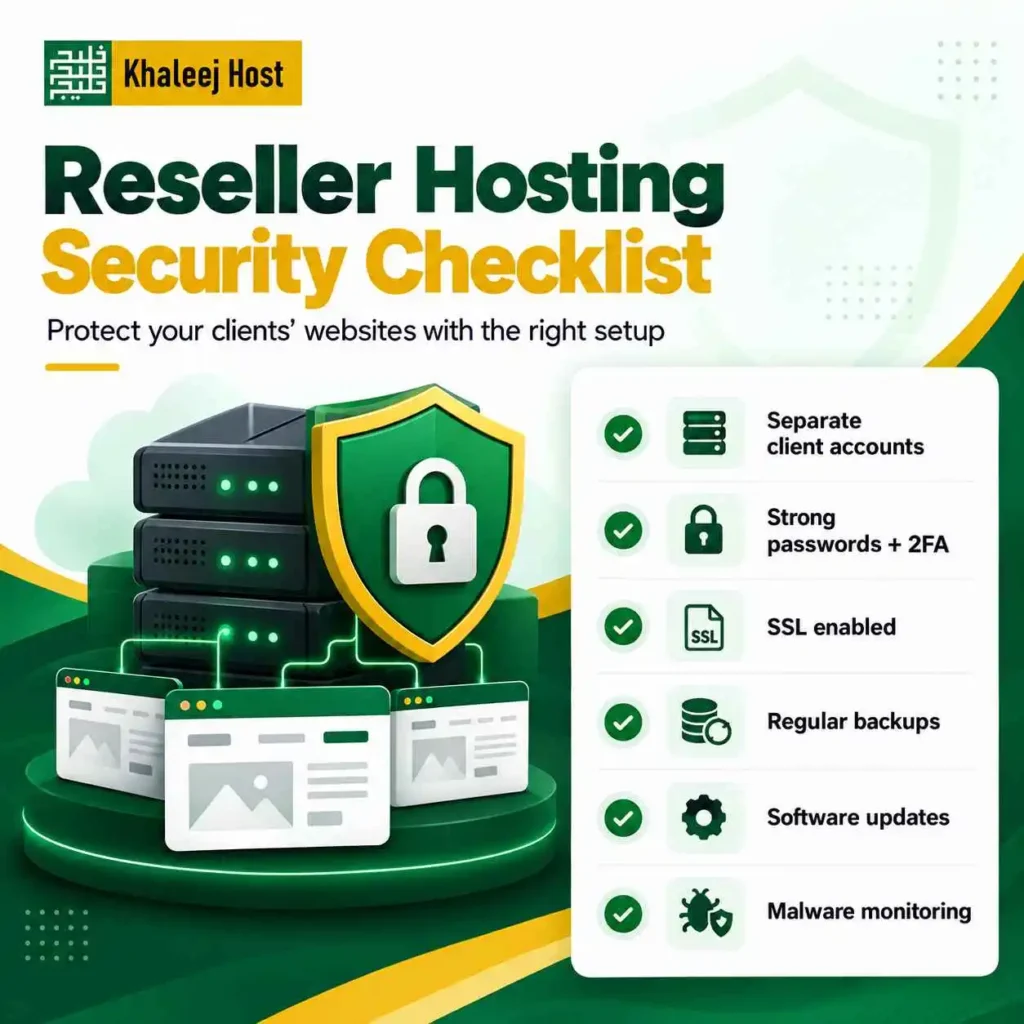
Security starts before you create your first client account.
When comparing providers, do not focus only on storage, bandwidth, or price.
Review:
- Server security
- Account isolation
- Malware protection
- Firewall configuration
- DDoS protection
- SSL support
- Backup systems
- Monitoring
- Security updates
- Access controls
- Technical support
- Incident response
- Server-level security policies
Our guide on How to Choose a Reseller Hosting Provider in UAE covers the broader factors you should evaluate before selecting a reseller hosting provider.
Keep Client Accounts Properly Isolated
Account isolation is an important part of reseller hosting security.
Each client should have their own hosting account instead of sharing one login and one directory structure with multiple websites whenever your hosting environment supports separate accounts.
This makes access management easier and can limit the impact of a compromised website.
For example, if you manage 20 client websites, avoid putting all of them under one shared FTP or hosting account simply because it is easier to manage.
Separate accounts provide a clearer security boundary.
Use WHM and cPanel Correctly
WHM and cPanel provide different levels of hosting management.
WHM allows you to manage reseller-level hosting functions and client accounts.
cPanel provides account-level tools for individual websites and hosting users.
Understanding the difference is important when setting permissions and managing client access.
For a detailed explanation, see cPanel vs WHM for Reseller Hosting: What You Need to Know.
Avoid giving clients more access than they actually need.
If a customer only needs to manage their website, email, and databases, they generally do not need reseller-level access.
Use Strong Passwords and Unique Credentials
Weak passwords remain a common entry point for attackers.
Every client account should have a strong, unique password.
The same applies to:
- cPanel
- Email accounts
- WordPress administrator accounts
- FTP or SFTP
- Database users
- WHM
- Billing systems
- Domain accounts
Never reuse the same password across multiple clients or services.
If one credential is compromised, reused passwords can expose several accounts at once.
A password manager can also help your team generate and store unique credentials securely.
Enable Two-Factor Authentication Where Available
Two-factor authentication adds another layer of protection beyond a password.
When available, enable 2FA for important administrative systems such as:
- WHM
- cPanel
- WHMCS
- Domain registrar accounts
- Business email
- Website administrator accounts
If a password is exposed, the second authentication factor can make unauthorized access more difficult.
Do not treat 2FA as a replacement for strong passwords. Use both.
Keep WordPress and Other CMS Platforms Updated
Many client websites use WordPress or another content management system.
Outdated software can contain publicly known security vulnerabilities.
Encourage clients to keep their:
- CMS
- Plugins
- Themes
- Extensions
- Server-supported software
updated.
However, updates should be tested when the website is business-critical. An update can sometimes create compatibility problems with another plugin or custom functionality.
A backup should be available before major changes are made.
Remove Unused Plugins, Themes, and Applications
Unused software increases the number of components that need to be maintained.
If a client no longer uses a plugin or theme, remove it rather than leaving it installed indefinitely.
The same principle applies to:
- Old scripts
- Unused CMS installations
- Abandoned plugins
- Test websites
- Temporary admin accounts
- Unused FTP users
Regular cleanup reduces unnecessary exposure.
Use SSL for Client Websites
SSL helps encrypt data exchanged between a website and its visitors.
For websites that collect login details, contact information, payments, or other sensitive information, HTTPS is particularly important.
Make sure SSL certificates are properly installed and renewed.
Also check for mixed-content issues after installation.
If you provide SSL as part of your hosting package, clearly explain what is included and how certificate renewals are handled.
Protect Client Email Accounts
Website security is not the only concern.
Email accounts can also be targeted through password attacks, phishing, malware, and unauthorized access.
A compromised business email account can create serious problems because attackers may use it to:
- Send spam
- Request fraudulent payments
- Reset other accounts
- Access customer information
- Impersonate employees
- Send phishing messages
Encourage clients to use strong passwords and 2FA where supported.
Also make sure email authentication and security features are configured appropriately for the domain and hosting environment.
Create a Reliable Backup Strategy
A backup is useful only if you can restore it when something goes wrong.
Your reseller hosting security plan should therefore include more than simply enabling backups.
Check:
- Backup frequency
- Backup retention
- Storage location
- Restoration process
- Backup accessibility
- Whether backups are automatic
- Whether backup storage has separate limits
- Whether the provider supports account restoration
Important client websites should not depend on a single copy of their data.
For businesses with critical websites, consider maintaining an additional backup strategy outside the primary hosting environment where appropriate.
Test Your Backups
A backup that has never been tested should not be treated as fully reliable.
Schedule periodic restoration tests.
You can test whether:
- Website files are available
- Databases are complete
- Email data is included where applicable
- Configuration files are present
- Restoration works correctly
This is particularly important when hosting ecommerce websites or business systems where data changes frequently.
Our future planning around Reseller Hosting Backup and Disaster Recovery: What You Need to Know can also help you build a more structured backup approach.
Monitor Resource Usage
Unusual resource usage can sometimes indicate a security problem.
For example, a website suddenly consuming significantly more CPU, memory, storage, or bandwidth may require investigation.
Possible causes include:
- Malware
- Spam scripts
- Brute-force activity
- Compromised plugins
- Traffic spikes
- Poorly optimized applications
- Automated attacks
Resource monitoring does not automatically prove that a website has been hacked, but it can provide an early warning that something needs attention.
Watch for Malware and Suspicious Files
Malware can appear as unfamiliar PHP files, modified scripts, malicious redirects, spam tools, or unauthorized administrator accounts.
Depending on your hosting environment, use appropriate malware scanning and security tools.
If suspicious activity is detected:
- Identify the affected account.
- Restrict access where necessary.
- Preserve relevant information for investigation.
- Identify the compromised component.
- Remove malicious files carefully.
- Update vulnerable software.
- Reset affected credentials.
- Restore from a clean backup when appropriate.
- Monitor the account after recovery.
Avoid simply deleting one suspicious file and assuming the problem is solved.
Attackers can leave multiple access points behind.
Protect Against Brute-Force Attacks
Brute-force attacks attempt to gain access by repeatedly trying usernames and passwords.
Common targets include:
- WordPress login pages
- cPanel
- FTP
- SSH
- Other administrative interfaces
Use appropriate rate limiting, firewall rules, login protection, strong credentials, and 2FA where supported.
If a website receives repeated login attempts, investigate the source and review the available security controls.
Control FTP and File Access
FTP credentials should be handled carefully.
Where supported, use more secure file transfer methods such as SFTP rather than transmitting credentials through insecure FTP connections.
Create separate accounts when appropriate and give users access only to the directories they need.
Remove old FTP accounts when employees, developers, or contractors no longer need access.
This is especially important for agencies managing websites for multiple clients.
Limit Administrative Access
Not every employee or developer needs access to every client account.
Use the principle of least privilege.
Give team members only the access required to perform their role.
For example:
A content writer may need CMS access.
A developer may need website files and database access.
A billing employee may only need customer and invoice information.
A hosting administrator may need broader infrastructure access.
Separating these permissions reduces unnecessary exposure.
Secure WHMCS if You Use It
If you use WHMCS for billing and client management, protect it like any other critical business system.
Use:
- Strong administrator passwords
- 2FA
- Restricted administrator access
- Regular software updates
- Secure hosting
- Proper permissions
- Reliable backups
- Monitoring
- Limited staff access
Your WHMCS installation may contain sensitive customer and billing information, so it should not be treated as an ordinary website.
If you are planning to automate billing and client management, see Reseller Hosting with WHMCS: Billing and Client Management Explained.
Keep Server and Software Updates Current
Security updates should not be ignored.
Depending on your hosting model, updates may be handled by the provider or may require action from your team.
This is one area where managed and unmanaged hosting can differ significantly.
If you are comparing the two models, read Managed vs Unmanaged Reseller Hosting: Which Model Fits Your Business?
Before buying a plan, confirm:
- Who handles server updates?
- Who handles security patches?
- Who monitors the server?
- Who investigates infrastructure problems?
- What support is included?
Clear responsibilities prevent security gaps.
Create a Client Security Policy
Your clients should know what you expect from them.
A simple policy can cover:
- Strong passwords
- 2FA
- Software updates
- Backup responsibility
- Admin access
- Developer access
- Malware incidents
- Support requests
- Account termination
- Data handling
This also helps you explain where your hosting responsibility ends and the client’s website-management responsibility begins.
Train Clients and Team Members
Security is not only a technical issue.
Human mistakes can create vulnerabilities.
Teach your team and clients to recognize:
- Phishing emails
- Fake login pages
- Suspicious attachments
- Unexpected password-reset messages
- Fake support requests
- Unusual payment requests
- Unknown login alerts
A secure hosting environment can still be compromised if someone gives their credentials to an attacker.
Have an Incident Response Process
You need a clear process for handling security incidents before one happens.
When a client reports a hacked website, avoid reacting randomly.
A basic response process can include:
Identify
Determine which account, website, or service is affected.
Contain
Limit further access or activity where necessary.
Investigate
Review logs, files, users, recent changes, and other available information.
Recover
Clean the website or restore it from a verified clean backup.
Secure
Update software, remove vulnerable components, reset credentials, and strengthen access controls.
Monitor
Continue monitoring the account after recovery.
Documenting incidents can also help you identify recurring problems across your hosting environment.
Common Reseller Hosting Security Mistakes
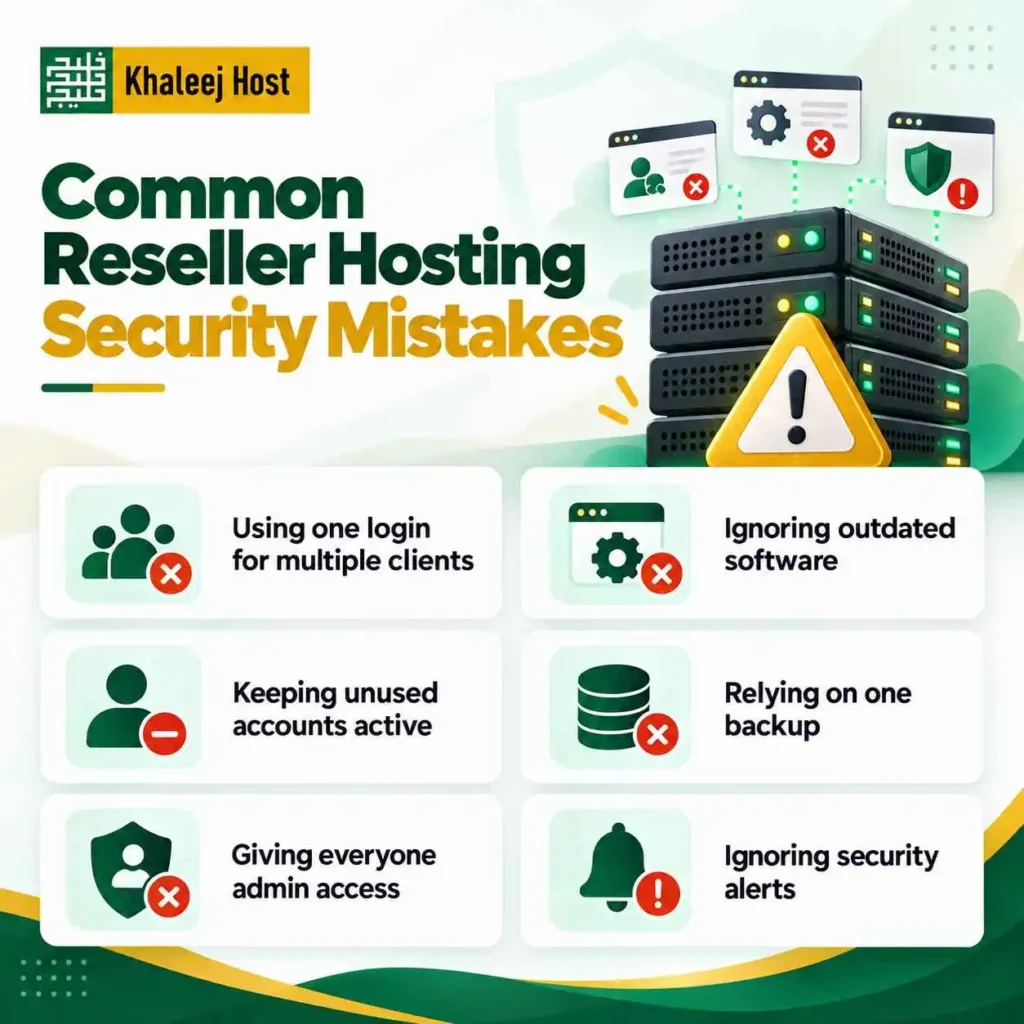
Using One Login for Multiple Clients
Separate accounts and credentials make access control easier.
Ignoring Outdated Software
Old CMS versions, plugins, and themes can expose known vulnerabilities.
Keeping Unused Accounts Active
Remove accounts and access permissions that are no longer required.
Relying on One Backup
A single backup can fail, become corrupted, or be compromised.
Giving Everyone Administrator Access
Broad permissions increase the potential impact of a compromised account.
Ignoring Security Alerts
Repeated failed logins, unusual resource usage, or suspicious files should be investigated.
Assuming the Hosting Provider Handles Everything
Your hosting provider may secure the infrastructure, but that does not automatically secure every client website.
Understand the shared responsibilities.
A Practical Security Checklist for Resellers
Before onboarding a client, check:
- Separate hosting account created
- Strong password configured
- 2FA enabled where available
- SSL installed
- CMS updated
- Plugins and themes reviewed
- Unused software removed
- Backup configured
- Backup restoration process understood
- Admin users reviewed
- FTP/SFTP access reviewed
- Email security checked
- Monitoring enabled where available
- Client responsibilities explained
For existing clients, repeat the review periodically.
Security is not a one-time setup task.
Is Reseller Hosting Secure for Client Websites?
Reseller hosting can provide a secure environment when the underlying infrastructure and client websites are properly managed.
However, no hosting setup can eliminate every security risk.
Website security depends on multiple layers, including:
- Server infrastructure
- Account isolation
- Operating system and software updates
- CMS security
- Password management
- Access controls
- Backups
- Monitoring
- Client behavior
- Security response
The goal should be to reduce preventable risks and have a recovery plan when something goes wrong.
Why Security Should Be Part of Your Hosting Service
If you sell hosting, security can become part of the value you provide.
Instead of simply telling clients, “Your website is hosted here,” you can establish clear processes for:
- Backups
- Access management
- Updates
- Monitoring
- SSL
- Security checks
- Incident handling
This creates a more professional hosting operation.
It also makes it easier to manage expectations when a security issue occurs.
Why Consider KhaleejHost for Reseller Hosting in UAE?
For businesses looking for reseller hosting in the UAE, KhaleejHost offers reseller hosting designed for businesses managing multiple client websites.
When evaluating a reseller hosting setup, look beyond the available storage and account limits.
Review the provider’s backup options, security measures, technical support, account management features, and upgrade path.
Your final setup should match the type of websites you host and the level of technical responsibility you want your team to manage.
Frequently Asked Questions
Use separate client accounts, strong passwords, 2FA, SSL, regular software updates, backups, malware monitoring, restricted access, and a clear incident response process.
Security is usually shared between the hosting provider, reseller, and website owner. The exact responsibilities depend on the hosting agreement and the services included in the reseller plan.
The hosting environment may provide security tools and protections, but website-level malware can still occur. CMS updates, secure credentials, monitoring, and regular backups remain important.
Separate accounts are generally easier to manage securely because each client has their own credentials, resources, and access boundary.
The appropriate frequency depends on how frequently each website changes. A business website with frequent transactions or content changes may require more frequent backups than a simple informational website.
No. SSL encrypts data transmitted between the website and visitors, but it does not protect against vulnerabilities in plugins, passwords, outdated software, malware, or compromised accounts.
Identify and isolate the affected account, investigate the compromise, remove malicious components or restore a verified clean backup, update vulnerable software, reset credentials, and monitor the website after recovery.
WHMCS is primarily a billing and client-management platform, not a complete website security solution. It should be secured properly because it may contain sensitive client and billing information.
Conclusion
Reseller hosting security requires more than choosing a hosting plan with security features.
You need a layered approach that covers client accounts, passwords, access permissions, software updates, SSL, backups, monitoring, malware protection, and incident response.
You also need to understand which security responsibilities belong to your hosting provider and which belong to you or your clients.
If you build these processes into your reseller hosting business from the beginning, you can manage client websites more consistently and respond more effectively when security issues occur.
The goal is not to promise that every website will be completely secure. The goal is to reduce avoidable risks, protect client data, and make sure you have a practical recovery process when something goes wrong.