



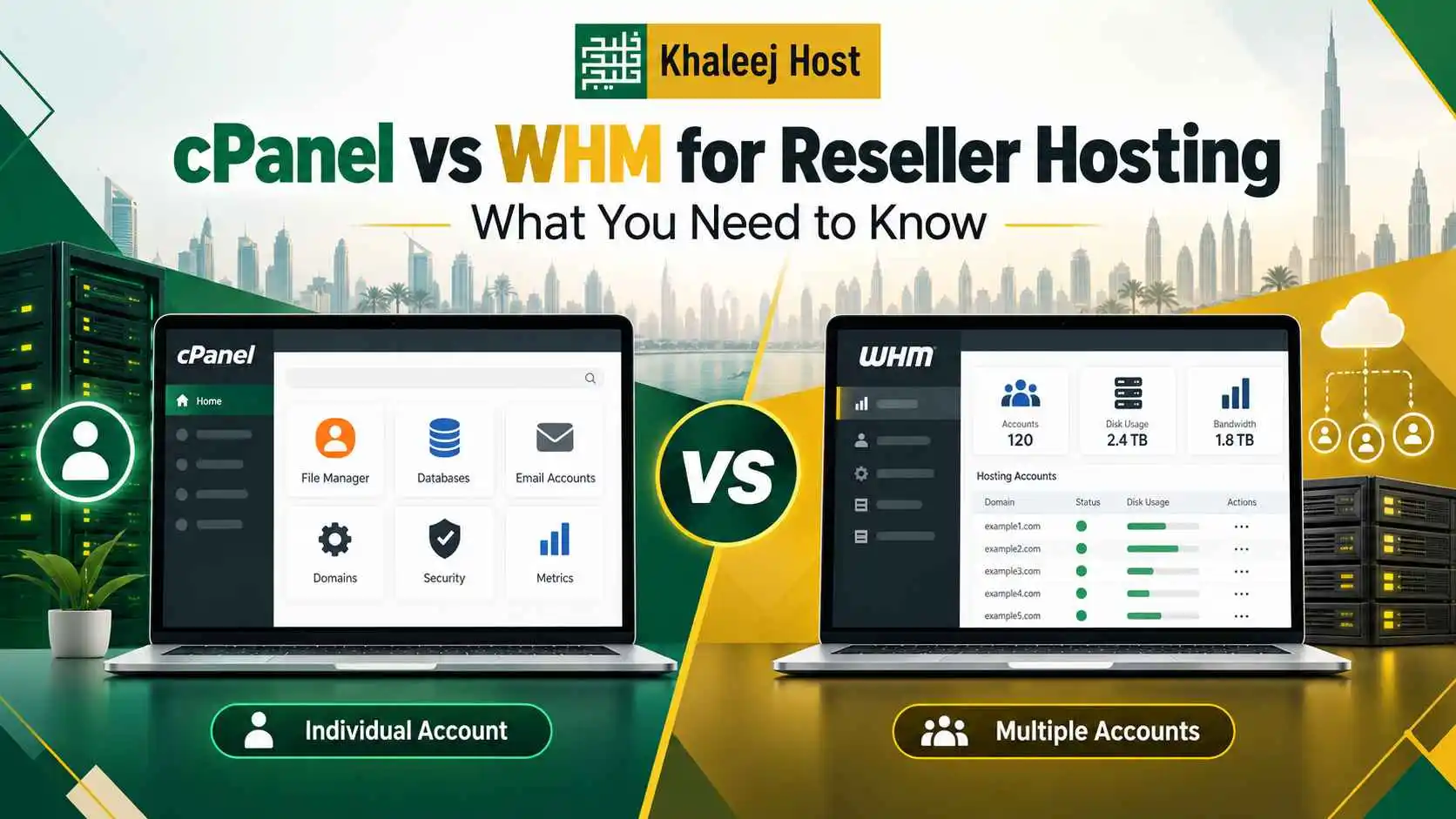
If you are planning to offer reseller hosting, understanding the difference between cPanel and WHM is essential. Both tools are commonly associated with hosting management, but they serve different purposes.
The simplest way to think about it is this:
WHM manages hosting accounts. cPanel manages an individual website’s hosting account.
For a reseller, WHM is usually the higher-level management interface. cPanel is the control panel your individual customers use to manage their websites, domains, email, databases, files, and other hosting features.
This distinction becomes especially important when you are managing several client websites, creating hosting packages, providing technical support, or building a branded hosting service.
If you are new to reseller hosting, start with our Reseller Hosting in UAE: Complete Guide to Starting and Growing a Hosting Business for a broader understanding of the business model and how reseller hosting works.
What Is cPanel?
cPanel is a web-based control panel designed to help users manage an individual hosting account without requiring extensive command-line knowledge.
For a website owner, cPanel can provide access to everyday hosting tasks such as:
- Managing website files
- Creating email accounts
- Managing databases
- Adding domains and subdomains
- Configuring SSL
- Managing DNS where permitted
- Reviewing resource usage
- Creating backups where available
- Installing supported applications
For example, if you have created a hosting account for a small business website, the business owner may use cPanel to manage their website’s hosting environment.
The interface is designed for account-level management rather than managing an entire reseller operation.
What Is WHM?
WHM stands for WebHost Manager.
It provides a higher level of control for managing multiple cPanel accounts.
This is why WHM is particularly important for hosting resellers, agencies, developers, and hosting businesses.
Through WHM, a reseller may be able to:
- Create hosting accounts
- Create and manage hosting packages
- Modify account settings
- Manage multiple customer accounts
- Review resource usage
- Manage account-level configurations
- Suspend or terminate accounts
- Access reseller-related settings
- Manage certain DNS and server functions, depending on permissions
The exact features available depend on the hosting provider and the level of access included with the reseller service.
In simple terms:
cPanel = one hosting account
WHM = management of multiple hosting accounts
cPanel vs WHM: The Key Difference
The main difference is the level at which each tool operates.
| Feature | cPanel | WHM |
| Main user | Website owner | Reseller or hosting administrator |
| Primary purpose | Manage one hosting account | Manage multiple hosting accounts |
| Website files | Yes | Account-level administration |
| Email management | Yes | Manage settings across accounts where permitted |
| Databases | Yes | Manage account-level settings |
| Create hosting accounts | No | Yes |
| Create hosting packages | No | Yes |
| Manage multiple clients | Limited | Yes |
| Resource allocation | Account-level | Package/account management |
| Reseller management | No | Yes |
| Server-level access | No | Depends on access level |
This is why asking whether cPanel or WHM is “better” is usually the wrong question.
They are designed for different jobs.
How cPanel and WHM Work Together
cPanel and WHM are not competing platforms in the traditional sense.
They work together as different layers of a hosting environment.
Consider an agency that manages 25 client websites.
The agency uses WHM to create and manage the 25 hosting accounts.
Each client can then receive their own cPanel account for managing their website.
The structure looks like:
Hosting Provider → WHM → Client Account → cPanel → Website
This separation gives the reseller greater control over the overall hosting environment while allowing clients to manage their own websites without accessing reseller-level functions.
For agencies, this can make client management much easier.
If you run a web design agency, our guide on Reseller Hosting for Web Design Agencies in UAE explains how this setup can fit into website development, maintenance, and recurring hosting services.
What Can a Reseller Do With WHM?
WHM is where much of the reseller’s day-to-day administration takes place.
Create Customer Hosting Accounts
When a new client purchases hosting, the reseller can create a separate hosting account for that client.
The account can then be assigned an appropriate package based on the website’s requirements.
Create Hosting Packages
You can create different packages for different types of customers.
For example:
Starter
For simple business websites and landing pages.
Business
For websites requiring additional resources and functionality.
Agency
For customers managing multiple websites or requiring greater capacity.
The actual limits depend on your reseller resources and the configuration allowed by your provider.
Manage Existing Accounts
WHM can help you manage the hosting accounts you have already created.
Depending on your permissions, you may be able to modify packages, adjust account settings, suspend services, or perform other administrative tasks.
Monitor Resource Usage
Resource monitoring is important when several websites share a reseller environment.
You should keep an eye on usage and identify accounts that are consuming unusually high resources.
This helps you determine whether a website needs optimisation, a different hosting package, or eventually a different infrastructure environment.
Manage DNS-Related Settings
WHM may provide reseller-level access to certain DNS functions.
However, the exact controls available depend on your hosting provider and account permissions.
Never assume that every WHM installation provides the same level of access.
What Can a Customer Do With cPanel?
Once the reseller creates a customer’s hosting account, the customer can use cPanel for website-level management.
Manage Website Files
Customers can upload, download, edit, and organise files through the available file-management tools.
Developers can also use FTP or other supported methods when appropriate.
Manage Domains
Depending on the hosting configuration, customers can manage domains, subdomains, aliases, and related settings.
Create Business Email Accounts
Customers can create and manage email addresses associated with their domain.
For example:
info@companyname.ae
sales@companyname.ae
support@companyname.ae
The available email functionality depends on the hosting service and its configuration.
Manage Databases
cPanel can provide tools for creating and managing databases used by websites and applications.
This is particularly relevant for platforms such as WordPress and other database-driven websites.
Configure SSL
Customers can access SSL-related tools where supported by the hosting environment.
For a business website, ensuring that HTTPS is correctly configured should be part of the agency’s website launch checklist.
Manage Backups
Where backup functionality is enabled, customers may be able to create, download, or restore backups through cPanel.
However, backup availability and restoration permissions vary between providers.
A reseller should always understand the provider’s backup policy rather than assuming that every cPanel account has identical backup capabilities.
Why WHM Matters to Hosting Resellers
If you are building a reseller hosting business, WHM is the tool that allows you to operate the customer side of the hosting environment.
Without a multi-account management layer, managing dozens of separate hosting accounts would quickly become difficult.
WHM helps you establish a structured workflow:
Create package → Create client account → Assign resources → Manage account → Monitor usage
This becomes even more valuable as the number of customers increases.
For a deeper look at the business model, our guide on How to Start a Reseller Hosting Business in the UAE: Complete Step-by-Step Guide covers customer targeting, package creation, onboarding, support, billing, and scaling.
Why cPanel Matters to Your Customers
While WHM is important to you as a reseller, cPanel is often more important to the end customer.
A business owner does not necessarily want to understand server administration.
They need a practical way to:
- Manage email
- Upload website files
- Create databases
- Manage domains
- Configure SSL
- Access backups where available
- Review hosting information
A familiar control panel can reduce the amount of technical knowledge customers need.
That can also reduce basic support requests for your team.
cPanel vs WHM for Web Design Agencies
For web design agencies, both tools can play different roles.
Your agency can use WHM to manage client hosting accounts, while clients can use cPanel for their own website-level tasks.
This creates a useful division of responsibility.
Agency
- Creates accounts
- Assigns hosting packages
- Manages reseller resources
- Handles infrastructure-related issues
- Supports migrations
- Monitors account usage
Client
- Manages website files
- Creates email accounts
- Works with databases where necessary
- Manages permitted domains
- Handles basic hosting tasks
The agency can still offer managed hosting or website maintenance for customers who prefer not to manage these tasks themselves.
If you are specifically building hosting services around agency clients, see Reseller Hosting for Web Design Agencies in UAE for a more detailed service model.
How WHM and cPanel Affect Your Hosting Packages
One of the biggest advantages of a reseller environment is the ability to create packages that match different customer requirements.
Suppose your agency serves three types of websites.
A basic company website may need modest resources.
A growing business website may need more storage and database capacity.
An ecommerce website may require additional resources depending on traffic, plugins, product catalogue size, and application workload.
You can create packages that reflect these differences through WHM, where supported.
The customer then receives the relevant cPanel account.
This makes it easier to keep your hosting offers simple while still controlling how resources are allocated.
Can You Use WHM Without cPanel?
For a typical cPanel-based reseller hosting environment, WHM and cPanel are closely connected.
WHM is generally used to manage the hosting accounts, while those accounts use cPanel for customer-level management.
However, access and licensing structures vary.
If a provider advertises a reseller service with WHM and cPanel, confirm exactly what access is included before purchasing.
Do not assume that a reseller account gives you the same capabilities as a server administrator.
Does WHM Give You Root Access?
Not necessarily.
This is an important distinction for new resellers.
A reseller account may provide WHM access without giving you full root-level control over the server.
Your hosting provider can restrict certain WHM functions because the underlying server is still managed by the provider.
Root access is generally associated with a VPS or dedicated server environment, depending on the service.
If you need server-level control, compare your current reseller requirements with the capabilities of a VPS. Our article Reseller Hosting vs VPS for Starting a Hosting Business: Cost, Control and Scalability explores this difference in more detail.
Common WHM and cPanel Mistakes to Avoid
Giving Clients More Access Than They Need
Customers should generally have access only to the functions relevant to their hosting account.
Keep reseller-level administration separate from client-level access.
Creating Packages Without Understanding Resource Limits
Do not create packages simply by choosing large numbers.
Your package limits need to reflect the resources available in your reseller environment.
Ignoring Resource Usage
As your customer base grows, regularly review resource consumption.
A website that suddenly starts using significantly more CPU, memory, storage, or other resources may require investigation.
Assuming cPanel Features Are Universal
The available cPanel features depend on your hosting provider, server configuration, software versions, and account permissions.
Always check what is actually included in your service.
Treating WHM as Full Server Administration
WHM access does not automatically mean you control the entire server.
Know the difference between reseller-level access and root-level administration.
Which One Do You Need as a Reseller?
If you are starting a reseller hosting business, you will typically need access to WHM to manage your customer accounts.
Your customers will typically use cPanel to manage their individual hosting accounts.
So the practical answer is:
Reseller: WHM
Client: cPanel
You generally do not choose one instead of the other when operating a cPanel-based reseller hosting service. They perform different functions within the same hosting structure.
What to Check Before Choosing a Reseller Hosting Provider
Before purchasing a reseller plan, do not stop at the words “WHM and cPanel included.”
Check the actual level of access and the resources behind the service.
Review:
- WHM access
- cPanel availability
- Number of accounts
- Storage
- CPU resources
- Memory limits
- Bandwidth
- Inode limits
- Database limits
- Email limits
- Backup options
- SSL support
- Private nameservers
- White-label options
- Technical support
- Upgrade options
These details determine whether the hosting environment can actually support your business model.
If you are evaluating reseller services for customers in the UAE, KhaleejHost is one option to review alongside your technical and business requirements. Compare the available features and resources with the websites you intend to host before selecting a plan.
Understanding the Difference Makes Reseller Hosting Easier
The difference between cPanel and WHM becomes straightforward once you understand who uses each tool.
WHM is for managing hosting accounts.
cPanel is for managing an individual hosting account.
As a reseller, WHM gives you the management layer needed to create packages, organise customer accounts, and administer your hosting service within the permissions provided by your provider.
Your customers use cPanel to manage the everyday hosting functions connected to their websites.
Understanding this structure helps you set up cleaner client accounts, define responsibilities, provide better support, and choose a reseller hosting plan based on actual requirements.
If you are planning to expand beyond reseller hosting, evaluate your resource usage and technical requirements first. When the need for greater control becomes real, moving to a VPS may make more sense than upgrading simply for the sake of having a more advanced environment.
Frequently Asked Questions
No. WHM and cPanel perform different functions. WHM is designed for managing multiple hosting accounts and creating or administering packages, while cPanel is designed for managing an individual hosting account. In a reseller environment, the reseller generally works through WHM and individual customers manage their websites through cPanel.
Many cPanel-based reseller hosting services provide individual cPanel accounts for customers, but the exact setup depends on the provider and plan. Before purchasing, confirm how many cPanel accounts are included and which features customers can access through those accounts.
Yes, creating and managing multiple hosting accounts is one of the main purposes of WHM in a reseller environment. The number of accounts you can create may be restricted by your reseller plan, available resources, or provider policies.
Yes, where the reseller account provides the required WHM permissions. You can typically define different packages with different resource limits and assign them to customer accounts. The available settings and limits depend on the hosting provider and the reseller service.
No, not automatically. Reseller WHM access is different from root-level server access. A provider can restrict WHM functions because the reseller is operating within a shared infrastructure environment. If you require full server control, you may need a VPS or dedicated server with appropriate administrative access.
WHM is more important for the reseller because it provides the tools needed to manage multiple customer accounts. However, cPanel remains important because it is the interface your customers may use to manage their individual websites. A reseller hosting service commonly uses both as different management layers.
WHM primarily manages the hosting accounts rather than the website content itself. You can use WHM for account-level administration, package management, and other reseller functions, while cPanel provides the tools for website-level tasks such as files, databases, email, and domains where permitted.
If you want to manage multiple client or customer hosting accounts through a familiar control-panel environment, a reseller service that includes both can be practical. Before choosing a provider, however, evaluate the available resources, account limits, support, backup options, branding features, and upgrade path rather than selecting a plan based only on the control-panel names.