



Running a reseller hosting business can look simple at first. You purchase hosting resources, create packages, add client accounts, and manage websites through your hosting control panel.
The real challenges usually appear as your client base grows.
A website may suddenly go down. A client may report slow loading. Email may stop working. DNS changes may not take effect. A hosting account may reach its resource limit. A backup may fail when you need it. Even a small configuration mistake can affect a client’s business.
The good news is that most reseller hosting problems can be handled more efficiently when you know what to check first.
This guide covers the most common reseller hosting problems, their possible causes, and practical ways to troubleshoot them without creating additional issues.
What Are the Most Common Reseller Hosting Problems?
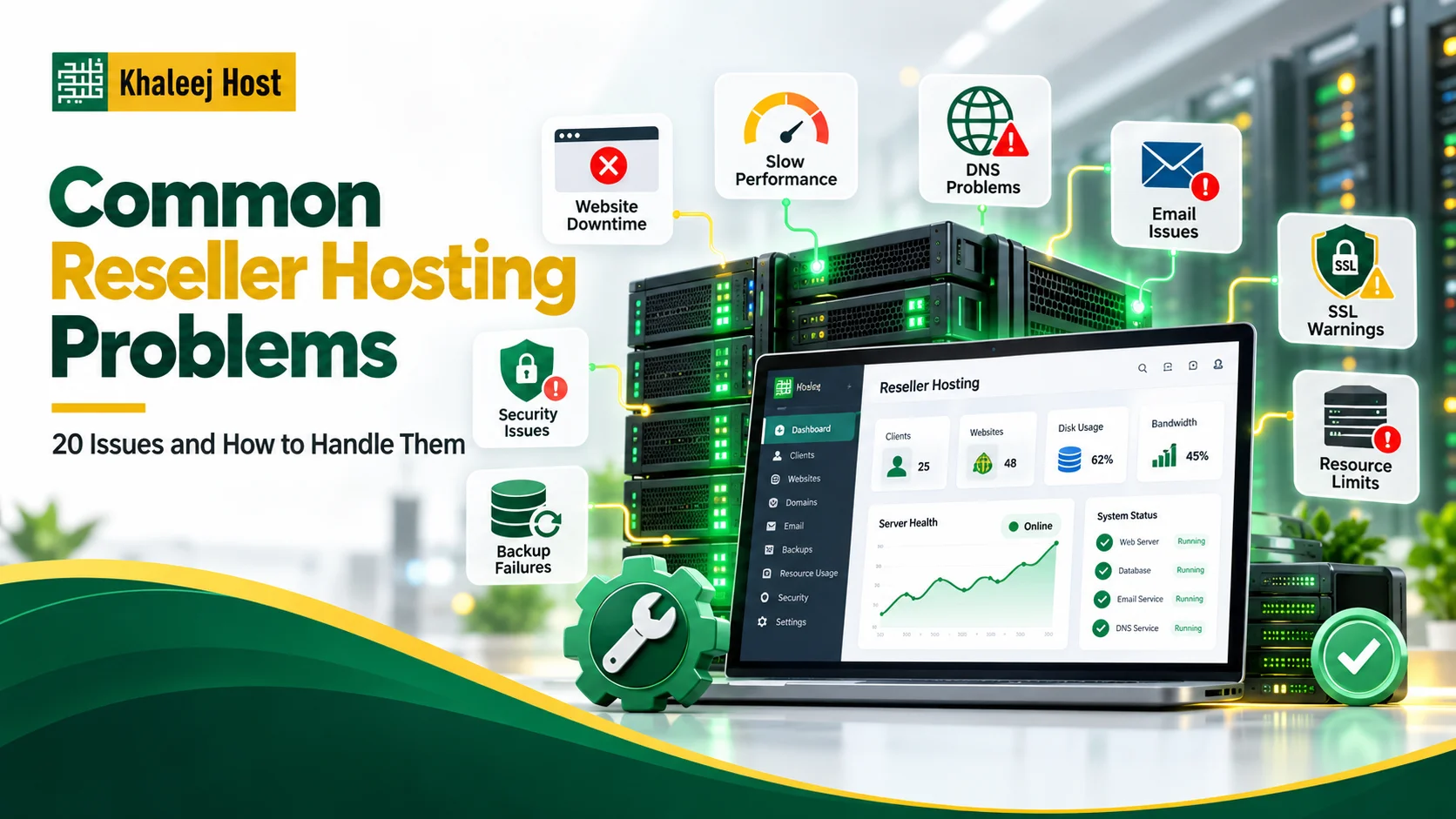
Resellers commonly deal with problems related to:
- Website downtime
- Slow website performance
- Disk space and bandwidth limits
- High resource usage
- DNS configuration
- Email delivery
- SSL certificates
- WordPress and application errors
- Backups and restoration
- Security incidents
- Account suspension
- Server migration
- Client management
- Hosting package limitations
- Scaling and resource planning
The important point is not to treat every problem as a server problem.
A website that is down may have a DNS issue. An email problem may be caused by incorrect DNS records. A slow website may be caused by a plugin or application rather than the hosting server.
Good troubleshooting starts by identifying the actual cause.
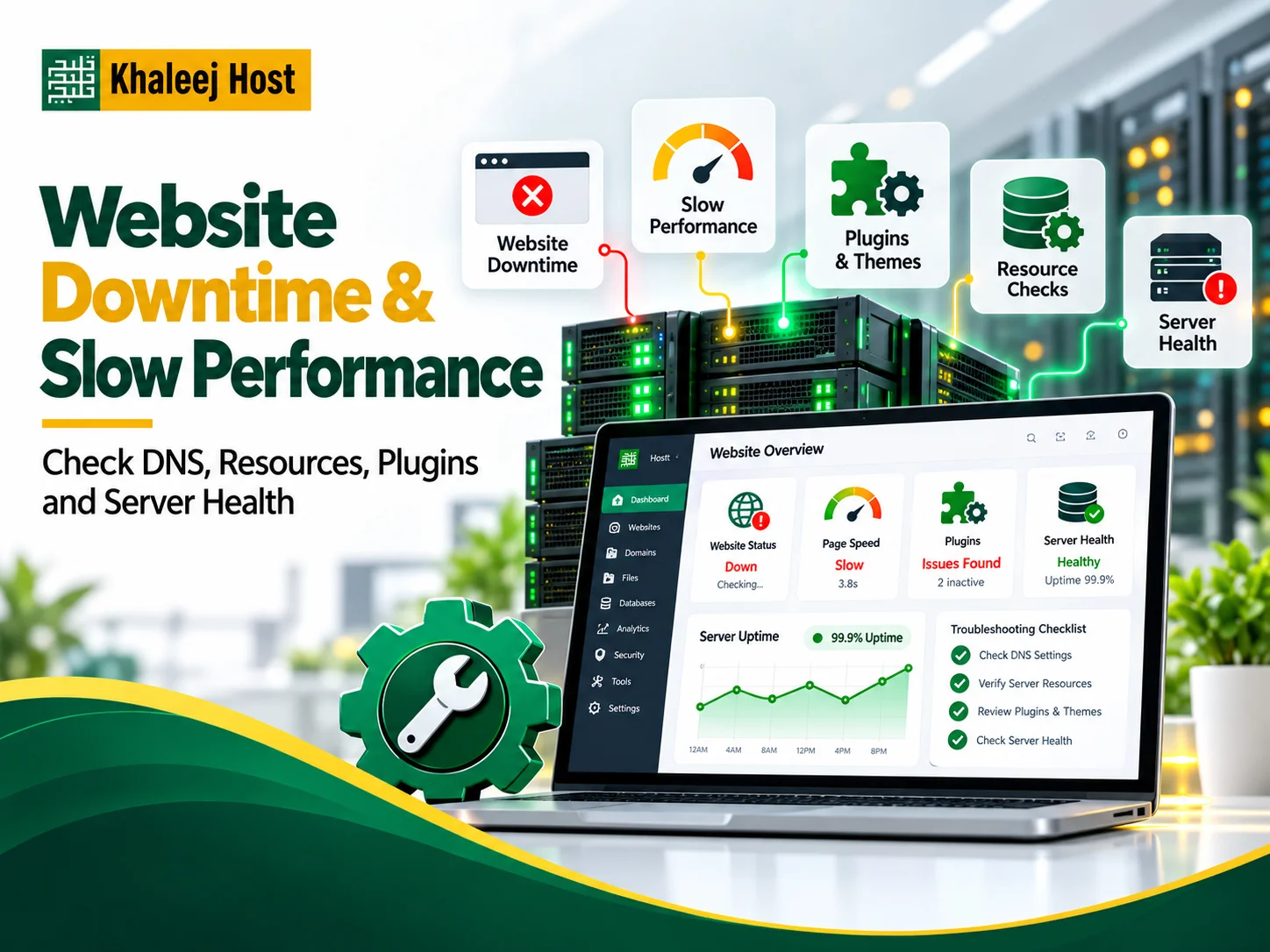
1. Client Website Is Down
One of the most common reseller hosting problems is a client reporting that their website is unavailable.
The first step is to determine whether the issue affects:
- One website
- One hosting account
- Multiple client websites
- The entire server
Possible causes include:
- DNS problems
- Expired domain
- Server outage
- Hosting account suspension
- Resource limits
- Application errors
- Plugin or theme issues
- Database problems
- SSL configuration
- Recent website changes
Do not immediately restore a backup or change server settings.
First check whether the domain resolves correctly, whether the hosting account is active, and whether other websites on the same environment are working.
If the problem started immediately after a WordPress update or configuration change, the application itself may be responsible.
Once you identify the cause, the solution becomes much more straightforward.
2. Website Is Loading Slowly
Slow performance is another common complaint from hosting clients.
However, slow loading does not always mean the hosting server is underperforming.
Possible causes include:
- Large images
- Too many plugins
- Poorly optimized themes
- Heavy scripts
- Database issues
- Lack of caching
- High traffic
- Resource-intensive applications
- Insufficient hosting resources
Start by checking whether the issue affects one website or several accounts.
If only one website is slow, investigate the website itself before assuming there is a server-wide problem.
For WordPress clients, review plugins, themes, images, caching, database performance, and recent changes.
If several websites become slow at the same time, investigate server-level resource usage and contact your hosting provider if necessary.
3. Client Reaches Disk Space Limits
As your client base grows, disk space management becomes increasingly important.
A client may suddenly receive storage warnings because of:
- Large media files
- Website backups
- Email storage
- Log files
- Old website files
- Multiple staging copies
- Large databases
Do not simply increase the client’s storage limit every time.
First identify what is using the space.
For example, a WordPress website may have accumulated years of unused images, old backups, or large log files.
You should also review your own reseller-level resource allocation.
When creating hosting packages, make sure the resources you promise clients are realistic for the resources available to your reseller account.
For more information about planning your hosting resources and business model, see Reseller Hosting in UAE: Complete Guide to Starting and Growing a Hosting Business.
4. High Resource Usage
High resource usage can affect website performance and, depending on the hosting environment, may result in limits being reached.
Common causes include:
- Sudden traffic spikes
- Poorly optimized websites
- Heavy plugins
- Background processes
- Cron jobs
- Malware
- Large database queries
- Resource-intensive applications
Start by identifying which account is consuming the resources.
Then determine what is causing the usage.
If one client website is responsible, optimize or upgrade that website rather than treating the entire hosting environment as the problem.
If several accounts are consistently approaching their limits, your reseller plan may need more resources.
This is where resource monitoring becomes important. Do not wait until clients start reporting problems.
5. Overselling Resources
Overselling can become a problem when your packages promise more resources than your business can realistically support.
In cPanel & WHM, overselling allows resellers to allocate account resources that can exceed the resources assigned to the reseller. This can be useful in certain hosting models, but it needs to be managed carefully.
For example, you may have a specific amount of disk space available but sell multiple packages with larger combined limits because not every client will use their maximum allocation.
The risk appears when actual usage grows faster than expected.
To manage this:
- Monitor actual resource usage
- Keep realistic package limits
- Track your available storage
- Review bandwidth consumption
- Avoid unlimited promises unless your infrastructure supports them
- Plan upgrades before resources become critical
Your packages should be designed around realistic usage rather than attractive numbers alone.
6. DNS Problems
DNS issues can make a perfectly functioning website appear to be broken.
Common DNS-related problems include:
- Incorrect A record
- Incorrect nameservers
- Missing MX records
- Wrong CNAME configuration
- Old DNS records
- Domain pointing to the wrong server
- Recent DNS changes still propagating
When troubleshooting DNS, first confirm where the domain is currently pointing.
Then check whether the DNS records match the hosting environment.
Do not change multiple DNS records at once without documenting the original configuration.
A small DNS mistake can affect both website access and email.
If you recently migrated a client website, DNS should be one of the first areas you check.
You can also review How to Migrate Websites to Reseller Hosting Without Downtime for a more structured migration process.
7. Client Email Is Not Working
Email problems can be particularly frustrating because the website may continue working normally.
Possible causes include:
- Incorrect MX records
- DNS problems
- Incorrect mail server settings
- Invalid SSL configuration
- Full mailbox
- Incorrect password
- Spam filtering
- Server-side mail issues
- Sending reputation problems
Start by identifying whether the problem affects:
- Sending
- Receiving
- Both sending and receiving
- One mailbox
- An entire domain
For a single mailbox issue, verify the account settings, password, and available storage.
When an entire domain cannot receive emails, review the MX records and DNS configuration.
If emails are rejected or land in spam, check SPF, DKIM, and DMARC records and improve the sender’s reputation.
Do not change email settings randomly. Document the existing configuration first.
8. SSL Certificate Problems
An expired or incorrectly configured SSL certificate can cause browser warnings and other connection problems.
Clients may report messages such as:
- “Your connection is not private”
- “Certificate expired”
- “Certificate name mismatch”
Possible causes include:
- Expired certificate
- Incorrect domain coverage
- DNS pointing somewhere else
- Failed automatic renewal
- Incorrect SSL configuration
- Recent server or DNS changes
First verify that the domain points to the correct hosting environment.
Then check the certificate status and whether it covers the correct domain and subdomains.
If the certificate renewal repeatedly fails, investigate the underlying DNS or validation issue rather than repeatedly trying to issue a new certificate.

9. WordPress Errors After Updates
WordPress websites can sometimes break after updates.
A client may report:
- Blank page
- 500 error
- Broken layout
- Admin login problems
- Plugin conflicts
- Theme issues
The problem may come from an incompatible plugin, theme, PHP version, or custom code.
Before making major changes, check whether the website has a recent backup.
If you maintain regular backups, you may have the option to restore the previous working state while investigating the cause.
This is one reason why Reseller Hosting Backup and Disaster Recovery: What You Need to Know should be part of your hosting operations planning.
However, restoration should not replace fixing the underlying compatibility issue.
10. Database Errors
A website may display database connection errors even when the server itself is online.
Possible causes include:
- Incorrect database credentials
- Database server issues
- Corrupted database
- Incorrect configuration
- Resource limitations
- Database user permission problems
For WordPress, check the database configuration and confirm that the database and database user exist.
If the database appears corrupted, use a recent backup where appropriate.
Before restoring, determine whether the database contains important information that has changed since the backup.
This is particularly important for ecommerce, booking, and membership websites.
11. Backups Are Failing
A hosting dashboard may show that backups are enabled, but that does not automatically mean your recovery strategy is reliable.
Backup problems may include:
- Insufficient storage
- Failed backup jobs
- Incomplete files
- Missing databases
- Incorrect permissions
- Corrupted backup files
- Short retention periods
- No off-site copy
Do not wait for a major incident to discover that backups are unusable.
Regularly test restoration.
Your backup strategy should also define:
- What is backed up
- How often it is backed up
- How long backups are retained
- Where they are stored
- Who can access them
- How restoration is performed
For a complete approach, read Reseller Hosting Backup and Disaster Recovery: What You Need to Know.
12. Client Website Has Been Hacked
Security incidents require a careful response.
Do not simply delete the visible malicious files and consider the problem solved.
A compromised website may have:
- Malicious files
- Compromised administrator accounts
- Modified plugins
- Injected scripts
- Backdoors
- Stolen credentials
- Vulnerable software
Start by isolating the affected account where appropriate.
Then:
- Identify the likely source of the compromise.
- Review available logs and security information.
- Check for unauthorized users or files.
- Select a clean recovery point if restoration is required.
- Change compromised passwords.
- Update vulnerable software.
- Remove malicious code.
- Restore and test the website.
- Monitor the account after recovery.
For a broader security framework, see Reseller Hosting Security: How to Protect Your Clients’ Websites.

13. Hosting Account Gets Suspended
A client account may become unavailable because it has been suspended.
Possible reasons can include:
- Unpaid hosting fees
- Terms of service violations
- Security concerns
- Resource-related issues
- Administrative action
Do not immediately unsuspend the account without understanding why it was suspended.
First identify:
- The suspension reason
- Whether the client has an outstanding issue
- Whether the account contains malicious activity
- Whether the hosting provider has applied a restriction
- Whether unsuspension is permitted
Account suspension and bandwidth limiting are different mechanisms in cPanel, so understanding the actual restriction helps avoid troubleshooting the wrong problem.
14. Client Exceeds Bandwidth Limits
High bandwidth usage can occur because of:
- Increased traffic
- Large downloadable files
- High-resolution media
- Hotlinking
- Automated bots
- Unexpected traffic spikes
- Poorly optimized websites
Start by checking the usage pattern.
If traffic increased because the client received legitimate attention, upgrading the hosting package may be appropriate.
If the traffic is unusual, investigate whether bots, hotlinking, or malicious activity is responsible.
Do not automatically increase bandwidth limits without understanding what is consuming the resources.
15. Client Cannot Create or Manage Their Hosting Account
Resellers work within permissions and resource limits defined by the hosting provider.
Problems can occur when:
- Account creation limits are reached
- Resource limits are exhausted
- Required privileges are missing
- Package limits prevent a new account
- WHM permissions are restricted
cPanel & WHM allows hosting providers to control reseller permissions, account creation limits, packages, and resource usage.
If you cannot create or modify an account as expected, check your reseller permissions and resource allocation before assuming there is a technical failure.
16. Server Migration Causes Unexpected Problems
Moving websites to another server can create several issues at once.
Common problems include:
- DNS errors
- Missing files
- Database connection errors
- Broken email
- SSL issues
- PHP version differences
- Incorrect permissions
- Cron jobs not transferred
- Application configuration problems
A migration should therefore be planned rather than treated as a simple file transfer.
Before migration:
- Create verified backups
- Review the current environment
- Check PHP and application requirements
- Document DNS records
- Prepare the new accounts
- Test websites before DNS changes
- Keep the old environment available during the transition
For the full process, see How to Migrate Websites to Reseller Hosting Without Downtime.
17. Hosting Packages Are Not Designed Properly
Poor package design can create problems as your reseller business grows.
For example, you might offer:
Basic Package
- Limited storage
- Limited bandwidth
- Suitable for simple websites
Business Package
- More storage
- Higher resource allowance
- Suitable for active business websites
Ecommerce Package
- Higher resources
- More suitable for dynamic websites
- Designed for stores and applications
The exact limits should depend on your reseller resources and the actual needs of your target clients.
Avoid creating packages based only on what competitors advertise.
Your packages should be easy to understand, profitable to sell, and realistic to support.
18. Client Wants More Resources Than Their Package Allows
A client may start with a small package and eventually need more resources.
That is not necessarily a problem. It can actually indicate that the client is growing.
Before upgrading, identify what is causing the increased usage.
Ask:
- Is traffic increasing?
- Is the website becoming larger?
- Are email accounts using more storage?
- Has the client added more products?
- Is a plugin consuming excessive resources?
- Is the current package genuinely too small?
If the website has outgrown the current plan, offer a clear upgrade path.
This is easier when your packages were designed with scalability in mind.
19. Client Complains About Slow Support
Technical problems are only part of reseller hosting.
Client communication also matters.
A client may accept that a problem takes time to resolve if they receive clear updates.
Instead of saying:
“Your issue is being checked.”
Give useful information:
- What you found
- What is being investigated
- What action is being taken
- Whether the website is currently accessible
- What information you need from the client
- When they can expect another update
Clear communication can prevent repeated messages and reduce unnecessary frustration.
20. One Client Problem Is Affecting Your Entire Workflow
As your reseller business grows, handling every issue manually can become difficult.
You may start receiving requests about:
- Password resets
- Email setup
- DNS changes
- Website downtime
- SSL
- Hosting upgrades
- Backups
- Migrations
Without a structured process, simple requests can consume a large amount of time.
Create standard procedures for recurring tasks.
For example:
Website Down
Check DNS → Check account status → Check resources → Check application → Check server status.
Email Not Working
Check mailbox → Check DNS/MX → Check credentials → Check storage → Check mail service.
Website Migration
Backup → Prepare account → Transfer files/database → Test → Update DNS → Monitor.
Documenting these processes makes your business easier to manage as the number of clients increases.
How to Prevent Common Reseller Hosting Problems
Troubleshooting is important, but prevention is better.
Monitor Resources Regularly
Track disk space, bandwidth, account growth, and resource usage.
Keep Backups Verified
Do not rely only on automated backup notifications. Test restoration.
Use Clear Hosting Packages
Make resource limits and features easy for clients to understand.
Document DNS Changes
Keep records of important DNS configurations before making changes.
Maintain Security Practices
Use strong credentials, access controls, software updates, SSL, and security monitoring.
Create a Recovery Process
Know what to do when a website, account, or server becomes unavailable.
Plan for Growth
Choose a hosting environment that allows you to increase resources as your client base expands.
For more guidance, see How to Scale a Reseller Hosting Business in the UAE.
When Should You Contact Your Hosting Provider?
Not every problem should be solved at the reseller level.
Contact your hosting provider when the issue appears to involve:
- Server-wide downtime
- Infrastructure problems
- Hardware failure
- Network problems
- Server-level configuration
- Provider-managed security
- Resource limits you cannot change
- Backup systems you cannot access
- Server migration support
- Issues affecting multiple accounts
Before contacting support, collect useful information.
Include:
- Affected domain
- Time the problem started
- Error message
- Steps already tested
- Whether other accounts are affected
- Recent changes
- Screenshots when useful
This can make troubleshooting much faster.
A Simple Reseller Hosting Troubleshooting Checklist
When a client reports a problem, work through this checklist:
Step 1: Identify the Scope
Is it one website, one account, or multiple accounts?
Step 2: Check Recent Changes
Was there a migration, update, DNS change, plugin installation, or configuration change?
Step 3: Check Account Status
Confirm the account is active and has not reached a relevant restriction.
Step 4: Check Resources
Review storage, bandwidth, and other available resource information.
Step 5: Check DNS
Confirm the domain and relevant records point to the correct environment.
Step 6: Check the Application
Look for WordPress, database, plugin, theme, or configuration errors.
Step 7: Check Security
If the problem looks suspicious, investigate possible malware or unauthorized access.
Step 8: Check Backups
If restoration is necessary, identify an appropriate recovery point before making changes.
Step 9: Test the Fix
Do not assume the issue is solved just because the error disappears.
Step 10: Document the Solution
Record what caused the issue and how it was fixed.
This makes future troubleshooting faster.
Common Mistakes to Avoid
Resellers often create additional problems by troubleshooting too quickly.
Avoid:
- Changing multiple settings without documenting them
- Restoring the newest backup without checking it
- Increasing resources without identifying the cause
- Changing DNS records randomly
- Ignoring email configuration
- Giving unnecessary administrative privileges
- Keeping no record of client changes
- Assuming every website problem is a server problem
- Waiting until resources are exhausted before upgrading
- Relying on one person to know the entire recovery process
A structured troubleshooting approach is usually faster than making several changes at once.
How the Right Reseller Hosting Setup Reduces Problems
Your hosting environment has a direct effect on how easy your business is to manage.
When comparing providers, look at more than price.
Consider:
- WHM and cPanel access
- Resource allocation
- Account limits
- Backup options
- Security features
- Support availability
- Migration assistance
- Scalability
- White-label options
- Billing and automation compatibility
- Upgrade paths
You can also review How to Choose a Reseller Hosting Provider in UAE to compare the factors that matter before selecting a provider.
Why KhaleejHost Can Be Part of Your Reseller Hosting Setup
When choosing a reseller hosting provider, the goal is not simply to find a package with the highest resource numbers.
You need an environment that fits your client base and gives you room to manage accounts, handle support issues, protect data, and grow.
KhaleejHost provides hosting solutions for businesses and resellers. Before selecting a plan, review the exact resources, backup options, support, account management features, and upgrade options available with that plan.
This allows you to build your reseller business around practical requirements instead of choosing a plan based only on price.
Frequently Asked Questions
What is the most common reseller hosting problem?
Common issues include website downtime, high resource usage, DNS problems, email delivery failures, SSL errors, storage limits, application errors, security incidents, and backup problems.
Why is my client’s website suddenly down?
The cause could be DNS, hosting account status, resource limits, application errors, SSL issues, or server problems. Start by identifying whether one website or multiple websites are affected.
How can I reduce resource usage in reseller hosting?
First identify which account is consuming resources and why. Optimize applications, remove unnecessary plugins, review cron jobs, optimize databases, and upgrade resources when genuine growth requires it.
Why is my client’s email not working?
Check whether the problem affects sending, receiving, or both. Then review the mailbox, DNS and MX records, credentials, storage, SSL settings, and mail server status.
What should I do if a client exceeds their hosting limits?
Identify what is consuming the resources before increasing the limits. If the usage is legitimate and the website has grown, move the client to a more suitable hosting package.
How can I prevent reseller hosting security problems?How can I prevent reseller hosting security problems?
Use strong access controls, secure credentials, regular software updates, SSL, monitoring, reliable backups, and a documented incident response process. For more detail, see Reseller Hosting Security: How to Protect Your Clients’ Websites.
How important are backups for reseller hosting?
Backups are essential because they provide a recovery option after accidental deletion, website errors, security incidents, failed migrations, or other problems. However, backups should also be tested regularly.
When should I upgrade my reseller hosting plan?
Consider an upgrade when your available resources are consistently approaching their limits, client websites are growing, or your current environment no longer provides enough capacity for your planned client growth.
Conclusion
Reseller hosting problems are part of managing a growing hosting business. What matters is how quickly and systematically you can identify and resolve them.
Start with the scope of the problem. Check recent changes, account status, resources, DNS, applications, security, and backups before making major changes.
At the same time, build preventive processes around the problems you see repeatedly.
Monitor your resources. Maintain reliable backups. Document DNS and account changes. Create clear hosting packages. Keep your security practices updated. Most importantly, have a defined process for handling website downtime, migrations, security incidents, and recovery.
As your client base grows, a structured approach can save time and make your hosting business easier.